Staffbase Poll Widget – Employee Surveys in Your Intranet
Real-time feedback – quick and easy
Staffbase poll widget: Interactive employee surveys with multiple choice, real-time results and anonymous voting – directly in your intranet
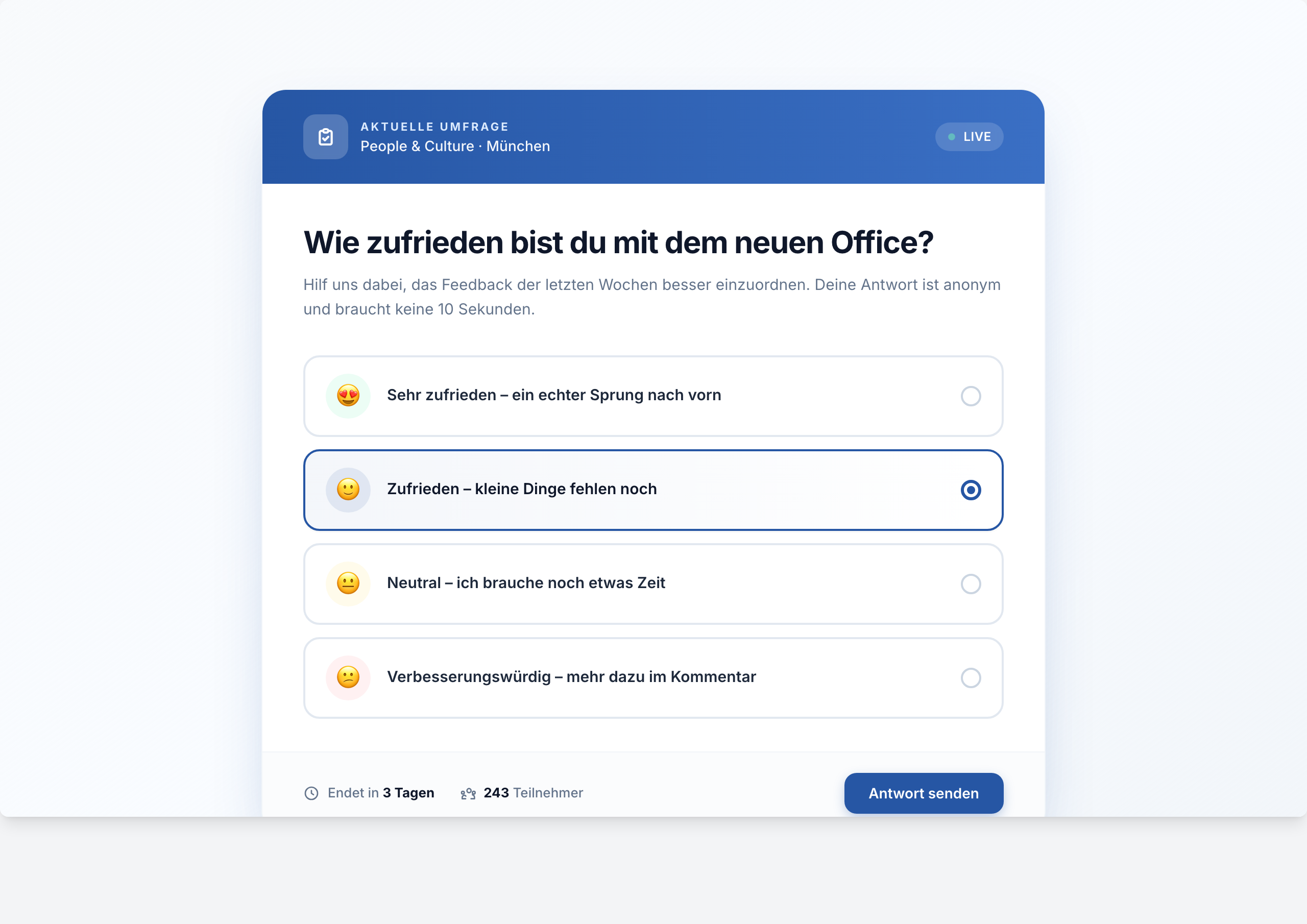
Overview
The Poll Widget is the perfect solution for quick, straightforward employee feedback. Create professional polls in minutes and get real-time results directly in your Staffbase intranet.
Why This Widget?
Employee feedback is essential for a healthy company culture. With the Poll Widget, you make it as easy as possible for your team to share their opinions:
- ✅ No detours: Vote directly in the intranet
- ✅ Anonymous or transparent: You decide
- ✅ Mobile-first: Optimized for the Staffbase App
- ✅ Instant insights: Live evaluation without waiting
Key Features
1. Flexible Question Types
Choose between multiple-choice (multiple answers) or single-choice (one answer). Perfect for:
- Sentiment surveys
- Voting
- Scheduling
- Product feedback
2. Real-time Dashboard
Watch answers come in live. The dashboard shows:
- Percentage distribution
- Absolute numbers
- Trend development
- Filter options by department/location
3. Privacy & Security
- GDPR compliant
- Optional anonymization
- Audit logs for compliance
- EU data hosting
Typical Use Cases
🎯 Quick Pulse Checks
“How satisfied are you with our new office?”
📅 Event Planning
“Which date works best for the team event?”
💡 Feature Voting
“Which new feature should we develop next?”
🍕 Cafeteria Feedback
“How do you like the new menu?”
Integration & Setup
The widget can be set up in under 5 minutes:
- Choose widget from gallery
- Enter question and answer options
- Set time period (optional)
- Publish
Done! 🚀
Technical Specifications
- Platform: Staffbase 5.0+
- Responsive: Optimized for mobile & desktop
- Performance: < 1s load time
- Scaling: Unlimited participants
- Export: CSV, Excel, API
Pricing & Availability
The Poll Widget is available in all plans:
| Plan | Polls | Participants | Features |
|---|---|---|---|
| Starter | 3 active | Unlimited | Basic features |
| Pro | Unlimited | Unlimited | + Analytics, Export |
| Enterprise | Unlimited | Unlimited | + White-label, SSO |
Frequently Asked Questions
Can I time-limit polls?
Yes, you can set start and end dates. The poll closes automatically afterwards.
Are the answers really anonymous?
If you enable anonymization, no personal data is stored.
Can I edit polls afterwards?
Yes, as long as no answers have been received yet. After that, only the description.
Screenshots
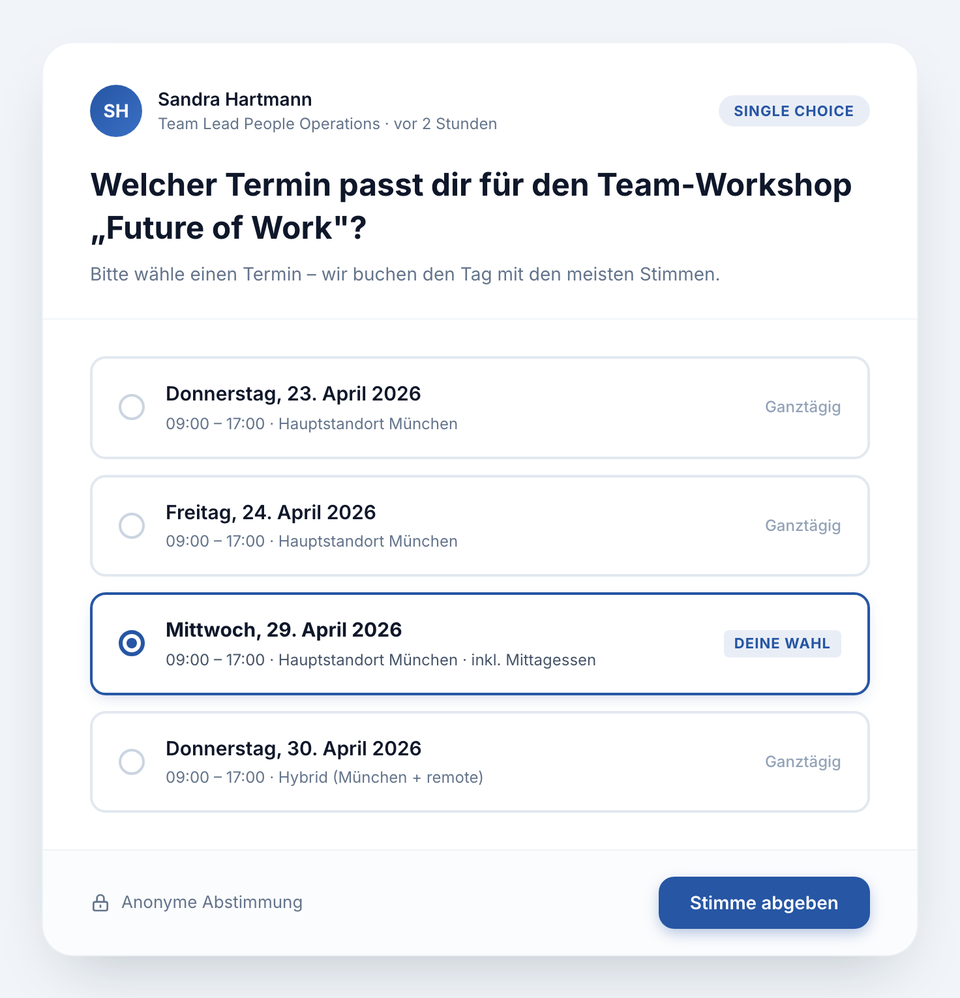
Single-choice voting with answer options
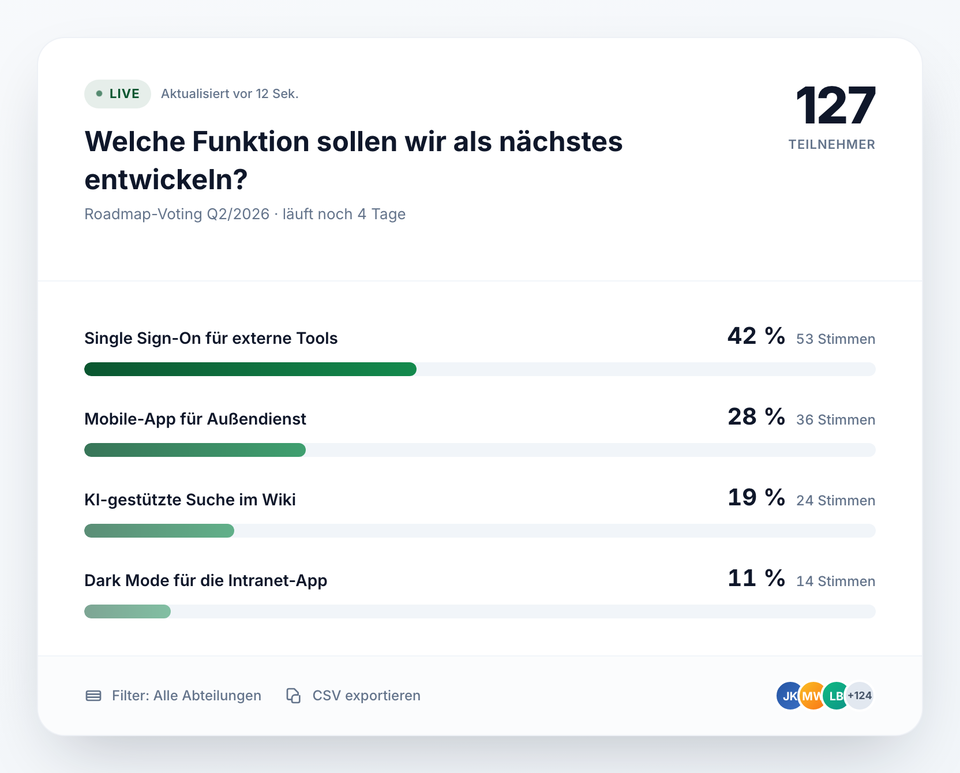
Live results with real-time analytics
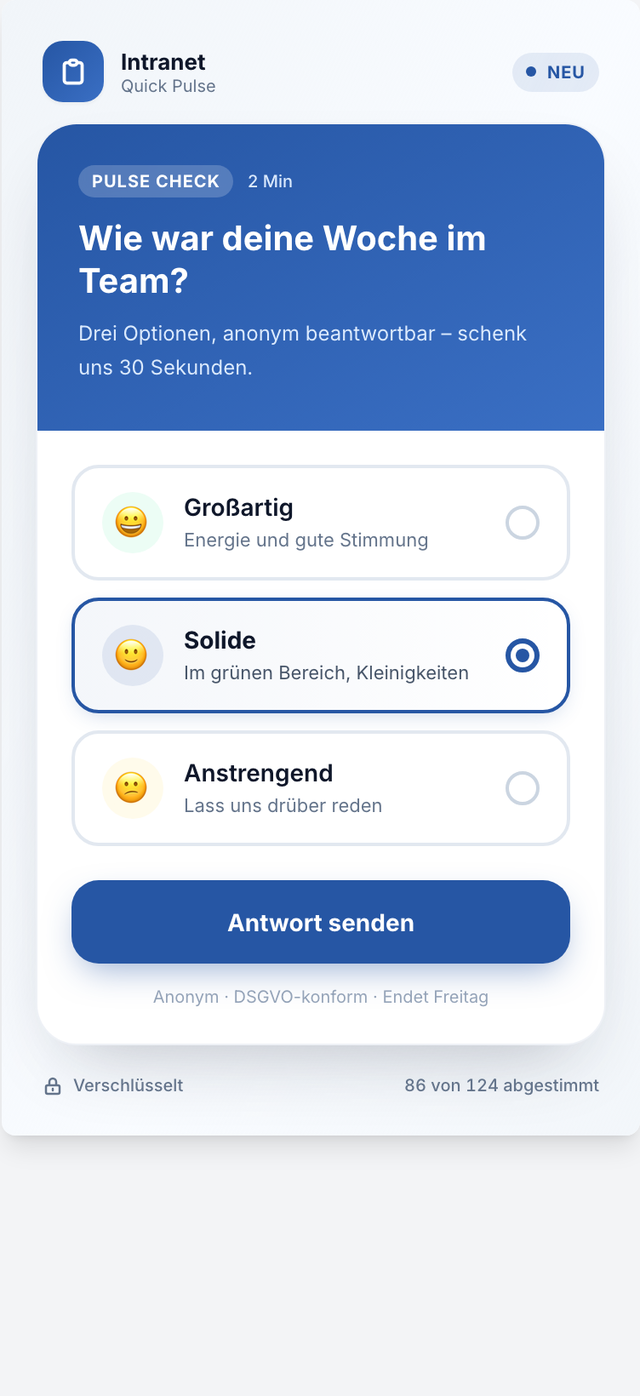
Mobile view – touch optimized
The screenshots shown are example views with generated demo data. Customers adapt the widgets to their own systems and corporate design.
Use Cases
Employee Feedback
Quick pulse check on company climate
Event Planning
Find the best date for team events
Product Feedback
Feature voting for new products
Key Features
- Multiple & Single-ChoiceFlexible question types for every situation
- Real-time ResultsLive dashboard with automatic evaluation
- Anonymous VotingOptional with or without authentication
- Time ControlConfigurable start and end dates
Integrations
Questions about the Staffbase Poll Widget – Employee Surveys in Your Intranet?
Our team is happy to help you personally