Which Staffbase meal plan option fits your setup?
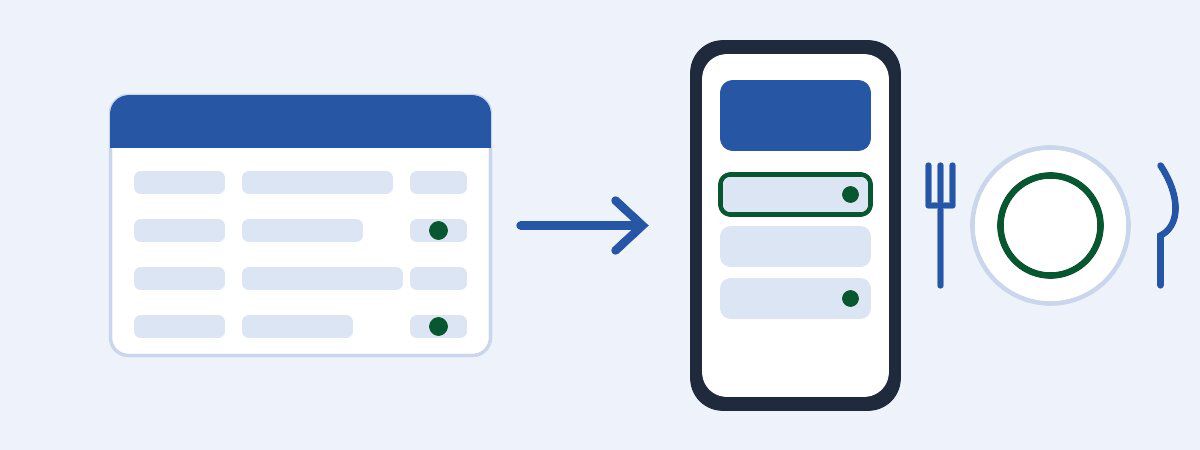
For a Staffbase meal plan, this article compares two routes: the Staffbase Meal Plans plugin or a custom meal plan widget built in Widget Builder. The plugin fits when someone with editor rights enters dishes by hand. A custom widget fits when the canteen team maintains the plan, when you need separate columns for allergens, or when the plan already comes from Excel or another system.
What does the Staffbase Meal Plans plugin include?
According to the Staffbase help center (accessed 23 Nov 2026), the Meal Plans plugin (opens in a new tab) includes:
- A title, description, price and date for each dish.
- Categories such as “vegetarian” or “gluten-free”.
- Separate plans for each restaurant, location or Space.
- Meal plan views in the app and intranet.
Editors add dishes in Studio under Content > Meal Plans, one day at a time (Staffbase help: Adding Meals (opens in a new tab) ). The articles do not describe an Excel import, a meal plan API or dedicated allergen fields.
When does a custom meal plan widget fit?
A custom widget fits if:
- The canteen team should maintain the plan without Staffbase Studio rights.
- You want separate columns for allergens, additives or nutrition facts.
- The plan already exists as an Excel file.
- A point-of-sale or canteen system provides the plan through an API.
How can the canteen update the plan without admin rights?
The widget reads its dishes from a data table in Widget Builder. Like a spreadsheet, the table contains columns and rows. You build the widget once in Widget Builder, connect it to the table and choose which columns it shows.
You can share the table with a Staffbase group such as “Canteen”. The available access levels are read, submit and edit. With edit access, the canteen team can change the rows. You pass the data editor link to the group, and they edit the table there. You keep control of the widget, its layout and its settings. See Data Tables: Let the Canteen Maintain Its Own Menu for details.
How do you add allergens and prices?
Each column has a type: text, number, date, select, yes/no or JSON. A meal plan table could use these columns:
| Column | Type |
|---|---|
| Date | date |
| Dish | text |
| Price | number |
| Allergens | text |
| Vegetarian | yes/no |
You choose the allergen labels. The widget displays the values stored in the table.
How do you import the plan from Excel or an API?
Excel: Save the weekly plan as a CSV file, then import it into the data table. Each import can contain up to 5,000 rows. Widget Builder checks every row against the column types before importing it. This prevents text from being added to the “Price” field.
API: If your canteen system has an API, the widget can load the plan from it. You set up the API request once in Widget Builder and map the response fields in the layout. Turn on Route using Widget Builder so the API address and key do not reach the reader’s browser. Connect a Staffbase Widget to Your API explains the setup.
| Your plan lives in | Route |
|---|---|
| nothing yet, you start fresh | data table maintained by the canteen |
| Excel | CSV import into the data table |
| a system with an API | API request |
You can also place the meal plan beside other content. From Canteen to KPI: Staffbase Dashboard for Distributed Teams shows an example on a start page.
Next step
View the examples on the meal plan widget page. You can then sign up (opens in a new tab) and create your first data table. The Starter plan is free; all plans are on the pricing page .