5 Ways Polls Can Boost Your Intranet Engagement
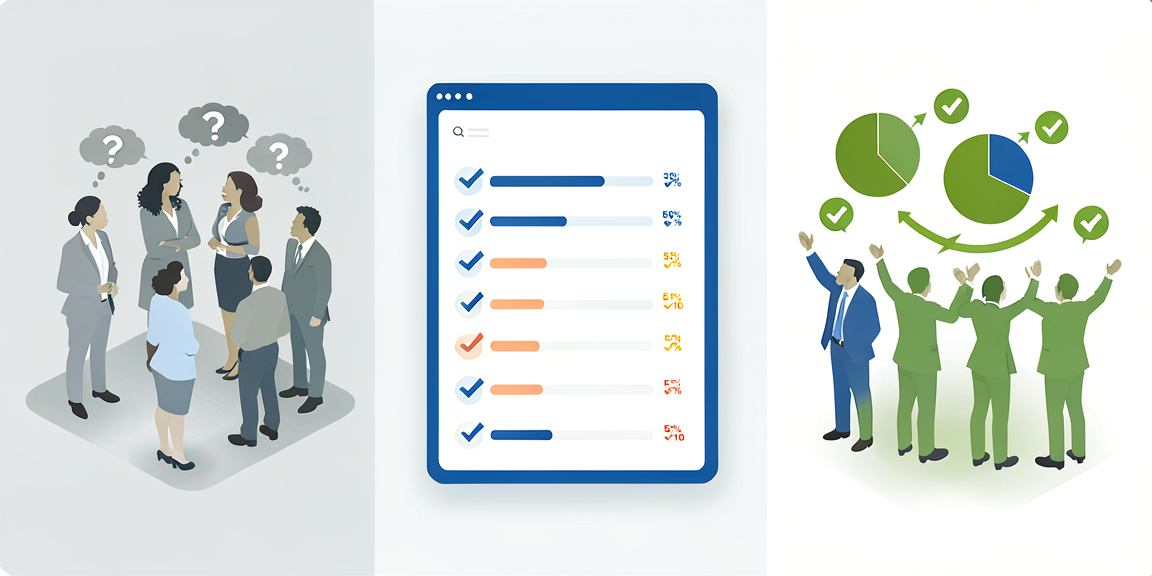
Polls in the intranet are more than just a tool for gathering opinions – they’re a powerful instrument for dialogue, engagement, and data-driven decision-making. Here are 5 proven strategies for effectively using polls in your Staffbase intranet.
1. Quick Pulse Checks for Spontaneous Feedback
Instead of extensive employee surveys once a year: Use short, focused “pulse checks” for current sentiment snapshots.
Practical Example:
- “How was your week? 😊 😐 😞”
- Every Friday afternoon, 1 question, 3 answers
- Results in Monday’s management meeting
Why it works:
- ✅ Low barrier to entry due to brevity
- ✅ High participation rate (often > 80%)
- ✅ Quick reaction capability to trends
With the Poll Widget , you can set up such pulse checks in under 2 minutes and automate timing.
2. Transparent Decision-Making
Involve your employees in decisions – this creates ownership and acceptance.
Use Cases:
- 🗳️ Office Design: “What color for the new break room?”
- 🍕 Cafeteria Menu: “Which dishes should be offered more often?”
- 📅 Event Dates: “When works best for the team event?”
- 🎁 Benefits: “What new benefit would you like?”
Best Practice:
- Present 3-5 concrete options to choose from
- Communicate upfront how the decision will be implemented
- Share results transparently
- Show what came from the feedback
3. Product and Feature Voting
Especially for product and IT teams: Let users decide what gets developed next.
Setup Example:
Question: "Which feature should be added to the intranet next?"

Options:
□ Enhanced search functionality
□ Mobile app improvements
□ Integration hub for tools
□ Personalized dashboard
Benefits:
- 🎯 Development aligned with real needs
- 💡 Employees feel heard
- 📊 Clear prioritization through quantitative data
4. Anonymous Feedback Without Barriers
Some topics require anonymity. The Poll Widget makes it possible.
Sensitive Topics:
- Leadership feedback
- Job satisfaction
- Process improvement suggestions
- Company culture
Important:
- ⚠️ Activate anonymization in widget settings
- 🔒 GDPR-compliant data storage
- 🛡️ No traceability of individual responses
Tip: Combine anonymous polls with open feedback channels. This creates a balanced feedback mix.
5. Gamification Through Regular Voting
Create rituals and make polls an entertaining element.
Ideas:
- 🏆 Monday Motivation: “What’s your goal this week?”
- ☕ Coffee Break Quiz: Fun facts about the company
- 🎬 Friday Film: “Which movie for the next team event?”
- 🏅 Team Challenges: Weekly sports or sustainability challenges
Engagement Boosters:
- Regular rhythm (e.g., every Wednesday)
- Visible real-time results
- Winner announcements in news feed
- Small “prizes” or recognition
Technical Implementation: It’s This Easy
The Poll Widget makes implementation child’s play:
- Create: Drag & drop editor, no coding required
- Configure: Single or multiple choice, timing, anonymity
- Publish: Directly in Staffbase intranet
- Analyze: Live dashboard with automatic visualization
Features at a Glance:
- ⚡ Setup in under 5 minutes
- 📱 Mobile-optimized for Staffbase app
- 📊 Real-time results
- 🔄 Automatic export (CSV, Excel, API)
Common Mistakes to Avoid
❌ Too many questions at once → Focus on 1-2 core questions
❌ Missing follow-up communication → Always show what happens with results
❌ Polls without consequences → Only ask if you can act on it
❌ Overly complex questions → Clear, precise, understandable wording
Conclusion: Polls as a Dialogue Tool
Polls are not an end in themselves – they’re the starting point for dialogue, change, and stronger employee engagement. With the right strategy and tools, your intranet becomes a vibrant communication platform.
Next Steps:
- Start with a simple pulse check
- Measure participation rate
- Share results transparently
- Iterate and optimize
Ready to launch your first poll? The Poll Widget is available in all plans – from Starter to Enterprise.
Additional Resources: