From Canteen to KPI: What Distributed Teams Really Need
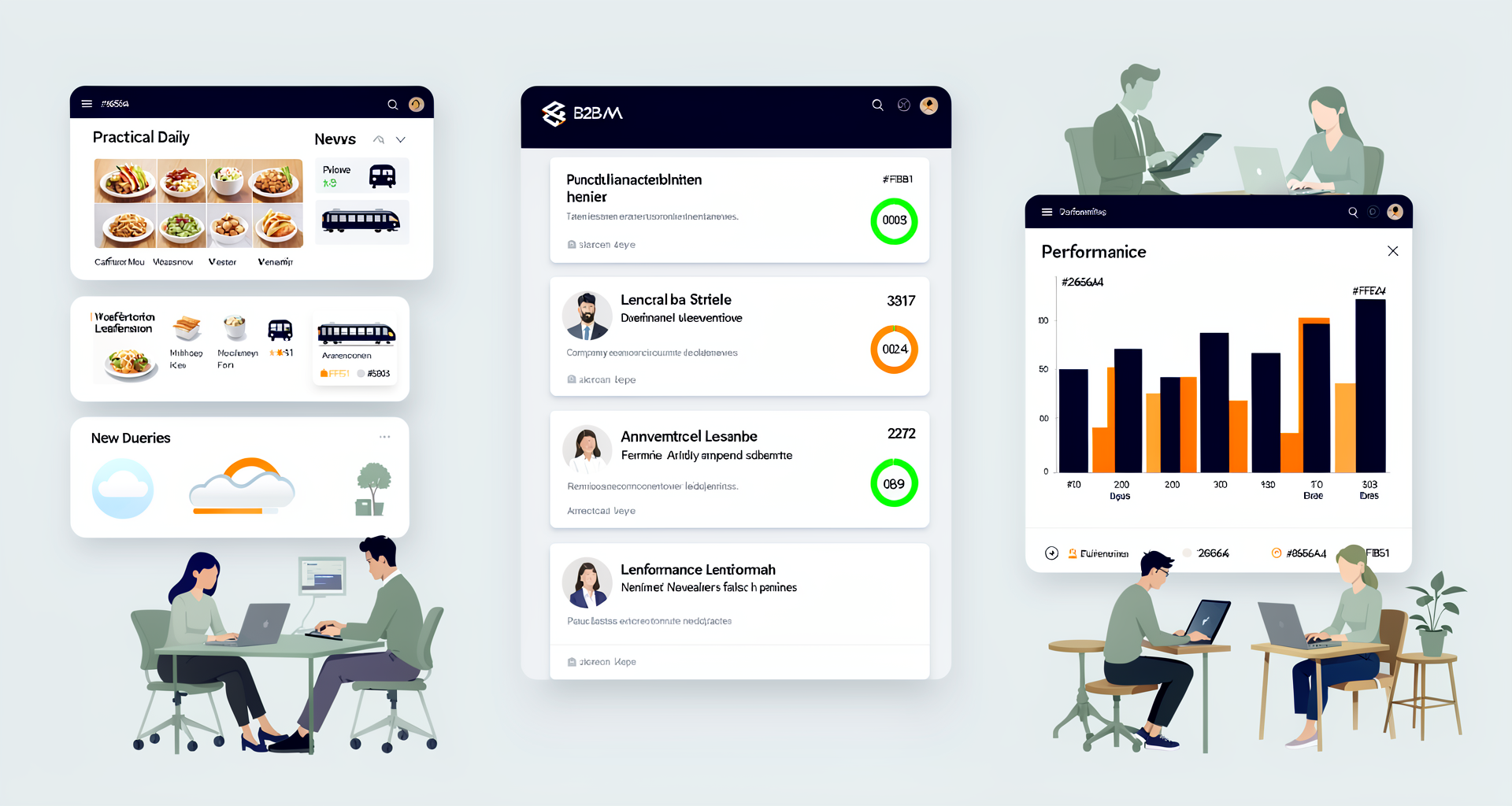
Your hybrid team is spread across three offices plus remote workers. Monday morning, you find yourself wondering: Is the canteen open in Hamburg? What are the transit delays in Berlin? Will the project in Zurich wrap up today, or are we pushing it? And who among the new employees still doesn’t have a parking spot registered?
This information isn’t optional. It’s everyday reality. But it’s scattered everywhere – in the HR system, on a bulletin board, in a Slack channel, in an Excel file. Your team wastes time searching instead of collaborating.
The Reality of Distributed Work
The hybrid model is standard now. But standard also means: more complex. Five locations, five different canteens. Two time zones. Different office opening hours. And eventually, a new employee can’t find a parking spot because the reservation got lost somewhere in the system.
Most organizations do what they can: they buy an employee app, set up the essential information, and launch. Then they realize: adding everything doesn’t work. You need structure that actually functions.
What Distributed Teams Actually Need
A working intranet for distributed teams combines three layers:
Daily Information (constantly updated): Is the Frankfurt canteen closed today? Transit delays in Hamburg? Parking availability? These seem small, but they prevent your team from having to improvise on the fly. The Widget Builder helps here with news feeds, weather widgets, canteen menus, and parking management widgets.
Team and Location Information (organized): Who’s where? Which teams are in the office when? If your company operates flexibly, that needs to be transparent. Our employee directory widget keeps your team oriented – filtered by location, department, or presence status. Location data can also be visualized via a dashboard.
Strategic Information (at the right moment): This week’s KPIs, company goals, announcements. This is the content your CEO needs when a project comes together. KPI dashboards and news widgets put the right information in the right places at the right times.
What a Functioning Hybrid Dashboard Looks Like
Instead of five apps and ten emails, your Staffbase intranet with Widget Builder offers one central hub:
- Home Screen (Morning Briefing): A welcome widget greets your team, current news posts, today’s canteen menus, live transit status.
- Location Section: Employee directory filtered by office, parking status, current office occupancy.
- Team Performance: KPI widget shows quarterly targets, chart widget visualizes project progress.
- Quick Info: Weather widget for each region, countdown timer for upcoming events.
This isn’t over-complexity. This is structure your editors can build themselves. No code. No IT dependencies.
The Value for Distributed Reality
For your HR team: Flexible work environments become transparent. All locations see how other teams operate.
For your IT team: Set up once, then manage independently with editors. Scalable to any number of locations.
For your employees: They’re not left behind just because they’re in Hamburg instead of Berlin. Everyone has the same information at the same time.
Conclusion
Distributed teams don’t need complicated infrastructure. They need clarity. A functioning dashboard with the right widgets replaces three apps and ten emails. It doesn’t make hybrid work easier for IT. It makes it more transparent for everyone.
Start free – or tell us how your team is distributed. We’ll show you how to build a functioning hybrid dashboard with Widget Builder in 2–4 weeks.